If you’re starting a small business, eventually you may ask yourself:
“Should I build my own website or hire a web designer?”
It’s a reasonable question.
Today, you can create a website without knowing how to code. Website builders, WordPress, templates, AI tools, and drag-and-drop editors have made website creation much more accessible.
You could potentially build a website yourself this weekend.
But that doesn’t necessarily mean you should.
The better question is:
What is the best use of my time and money for my business?
For some businesses, building a website yourself is completely reasonable.
For others, doing it yourself can become a surprisingly expensive project once you add up the time, learning curve, content, images, SEO, technical problems, and endless little decisions.
And there is another option that often gets ignored:
Build part of it yourself and hire a professional for the parts you don’t want to handle.
Let’s look at the decision realistically.
The Short Answer
You may want to build your own website if:
- You’re comfortable learning new software
- Your website is relatively simple
- Your budget is very limited
- You have plenty of time
- You enjoy working on technical projects
- You don’t need complicated functionality
- You’re comfortable maintaining the website yourself
You may want to hire a web designer if:
- Your website is important to generating customers
- You don’t have much free time
- You want a professional result without learning everything yourself
- You need custom layouts or functionality
- You need help with content and structure
- Your website needs to support SEO or lead generation
- You don’t want to deal with technical maintenance
- Your current website is holding the business back
Neither option is automatically better.
The right choice depends on your business.
Building a Website Yourself Is Easier Than It Used to Be
Let’s get this out of the way first.
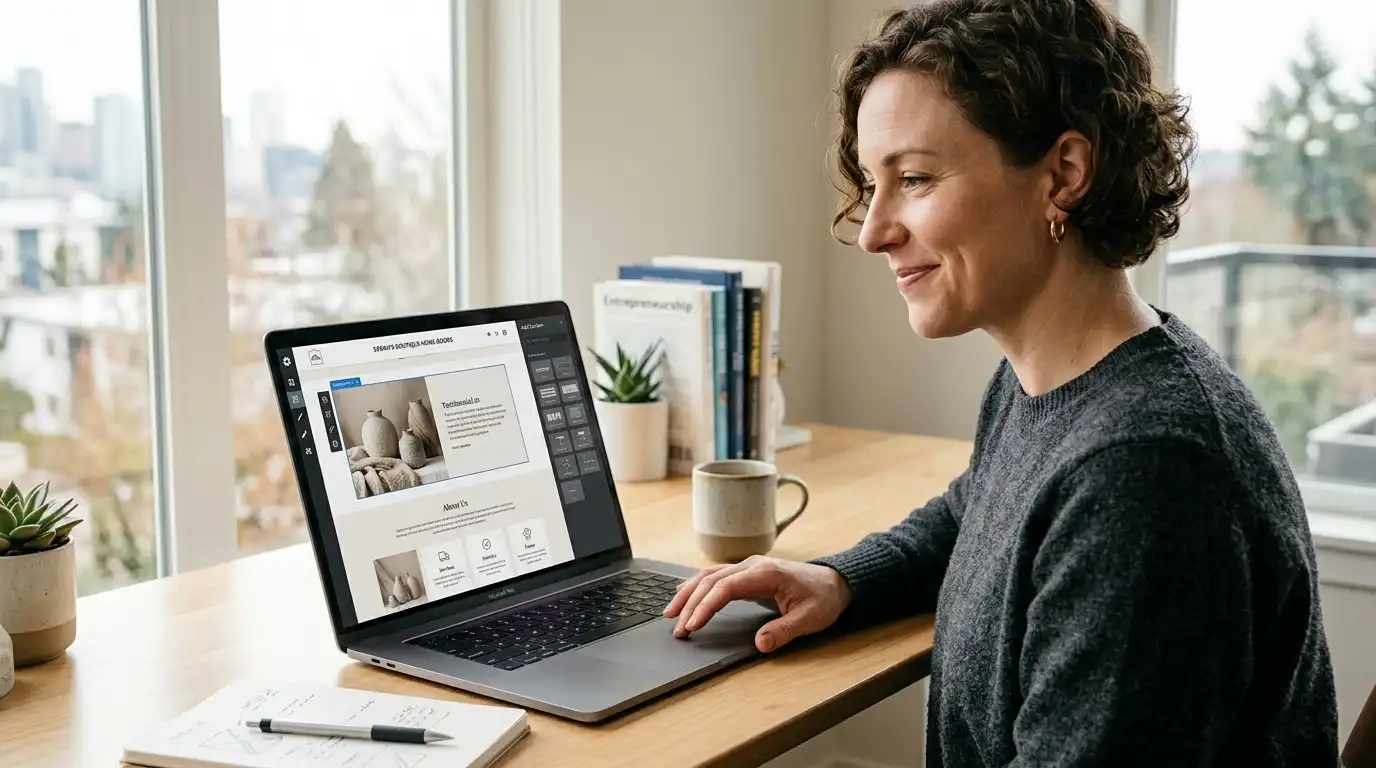
You don’t need to be a programmer to create a website anymore.
Modern website platforms allow you to:
- Choose a template
- Edit text
- Upload images
- Add pages
- Create forms
- Add buttons
- Change colors
- Add sections
- Publish the site
You can get surprisingly far without writing a single line of code.
For a simple business website, that can be enough.
But there’s a catch.
Building a website is not the same thing as building an effective business website.
The Website Is Only One Part of the Job
When someone says:
“I’ll just build the website myself.”
They may be thinking about the visual part.
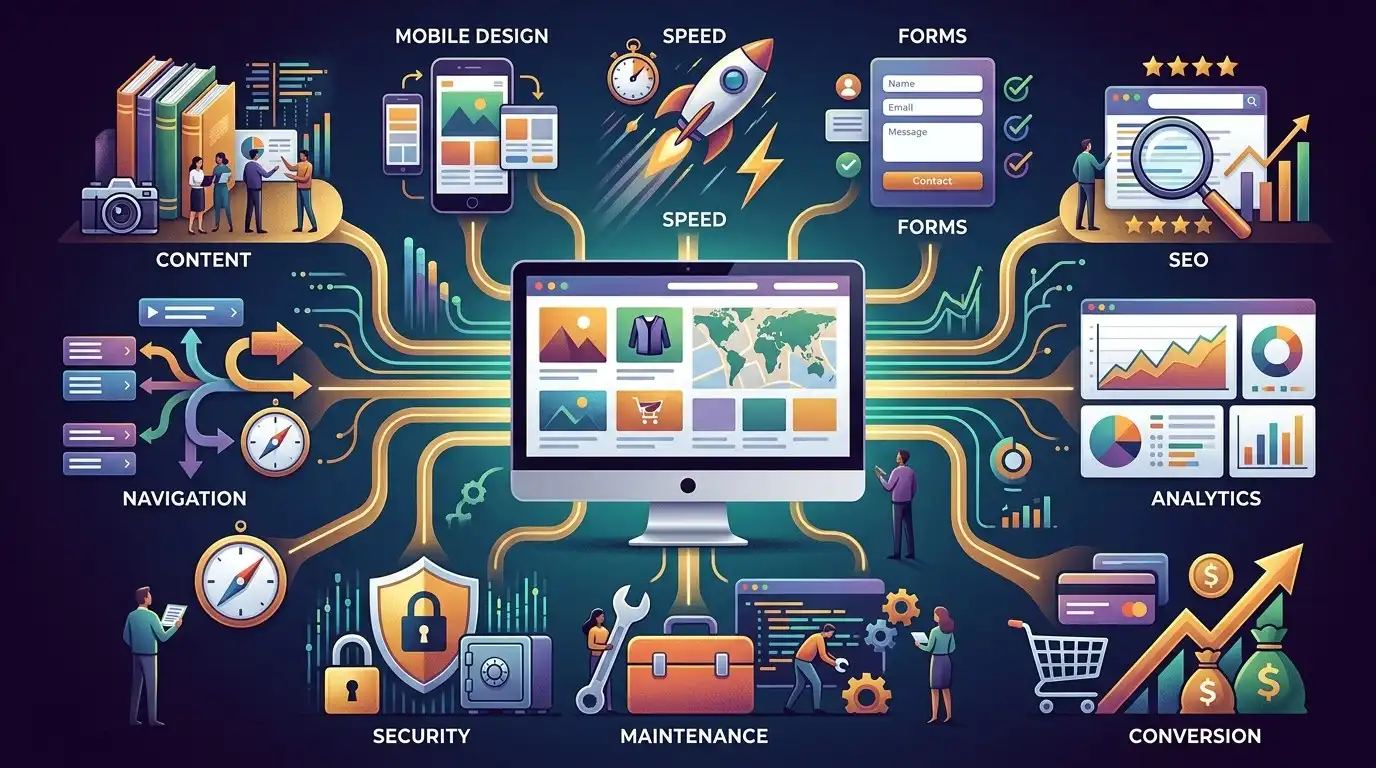
But a business website involves many different jobs.
You may need to figure out:
- What pages you need
- What each page should say
- How the navigation should work
- What your homepage should communicate
- What images to use
- How to structure service pages
- How forms should work
- How the site should look on phones
- How to make pages load quickly
- How search engines discover the site
- How to connect analytics
- How to handle backups
- How to keep software updated
- How to prevent spam
- How to troubleshoot problems
The drag-and-drop editor is often the easy part.
Everything around it is where the time goes.
The Hidden Cost of a DIY Website

A DIY website might appear inexpensive.
Maybe your software and hosting cost only a few hundred dollars per year.
But your time has value too.
Suppose you spend:
- 3 hours choosing a platform
- 5 hours choosing a template
- 8 hours writing content
- 5 hours editing images
- 6 hours building pages
- 4 hours fixing mobile layouts
- 3 hours troubleshooting forms
- 3 hours learning SEO basics
- 2 hours fixing random problems
That’s already:
39 hours.
And many DIY projects take much longer.
If you run a business, those hours aren’t free.
You could have spent them:
- Serving customers
- Following up with leads
- Selling
- Managing employees
- Improving your service
- Working on your actual business
This doesn’t mean you shouldn’t build your own website.
It means you should include your time when calculating the cost.
DIY Makes Sense for Some Businesses
There are situations where I’d absolutely consider building the website yourself.
For example:
A new business with a very small budget
If you have just started and have almost no money available, a DIY website can get you online.
It doesn’t have to be perfect.
Getting a functional website online may be more valuable than waiting six months until you can afford a professional website.
A Simple Website Can Be a Good DIY Project
Suppose you’re a local business with:
- One main service
- One location
- A few photos
- A phone number
- A contact form
- A short about section
You may not need a complicated website.
A simple five-page site could be perfectly adequate.
You might have:
Home
About
Services
Reviews
Contact
If you’re willing to learn, building this yourself can be reasonable.
DIY Can Also Make Sense If You Enjoy It
This is something generic business articles often ignore.
Some people actually enjoy building websites.
If you like:
- Design
- Technology
- Photography
- Writing
- Experimenting
- Learning software
then building your own website may not feel like work.
It may be a fun project.
That’s a perfectly legitimate reason to do it yourself.
But Ask Yourself One Question
Before starting, ask:
“Do I want to build a website, or do I want to run my business?”
There is no wrong answer.
But they’re different activities.
If you spend every evening for three weeks adjusting button spacing while your competitors are contacting customers, the DIY project may have become counterproductive.
Hiring a Web Designer Isn’t Just About Making Things Pretty

This is another common misunderstanding.
A good web designer isn’t simply someone who makes colors and buttons look nice.
Depending on the project, they may help with:
- Website structure
- User experience
- Content organization
- Visual hierarchy
- Mobile layouts
- Calls to action
- Conversion paths
- Page design
- Forms
- Technical setup
- Performance
- SEO fundamentals
- Analytics
- Integrations
You’re paying for experience and execution, not just pixels.
The Experience Difference Matters
Imagine you’ve built five websites.
You have probably learned a lot.
Now imagine someone has built hundreds.
They have probably seen:
- Broken forms
- Bad navigation
- Slow pages
- Confusing layouts
- Poor mobile designs
- Plugin conflicts
- SEO mistakes
- Awkward customer journeys
- Bad calls to action
- Terrible stock photography
- Clients changing their minds 47 times
Experience creates pattern recognition.
A professional may notice problems before you even know they exist.
But Not Every Web Designer Is Worth Hiring
This is important.
Hiring a professional doesn’t automatically guarantee a better website.
There are excellent web designers.
There are also people who:
- Install a template
- Change the logo
- Replace some text
- Call it a custom website
- Send you a large invoice
You still need to evaluate the person you’re hiring.
Ask to see actual websites they’ve built.
Look at those websites on your phone.
Visit multiple pages.
Check whether they look good and actually make sense.
Don’t Judge a Designer Only by Their Own Website
This is a surprisingly useful tip.
A designer’s own website may be beautiful.
But what matters is whether they can build websites for businesses like yours.
Look at their portfolio.
If they show:
- Restaurants
- Contractors
- Law firms
- Medical offices
- Accountants
- Retail businesses
- Professional services
look at whether the work feels appropriate for each business.
A good designer should be able to adapt rather than force every client into the same visual style.
DIY vs. Web Designer: The Real Comparison
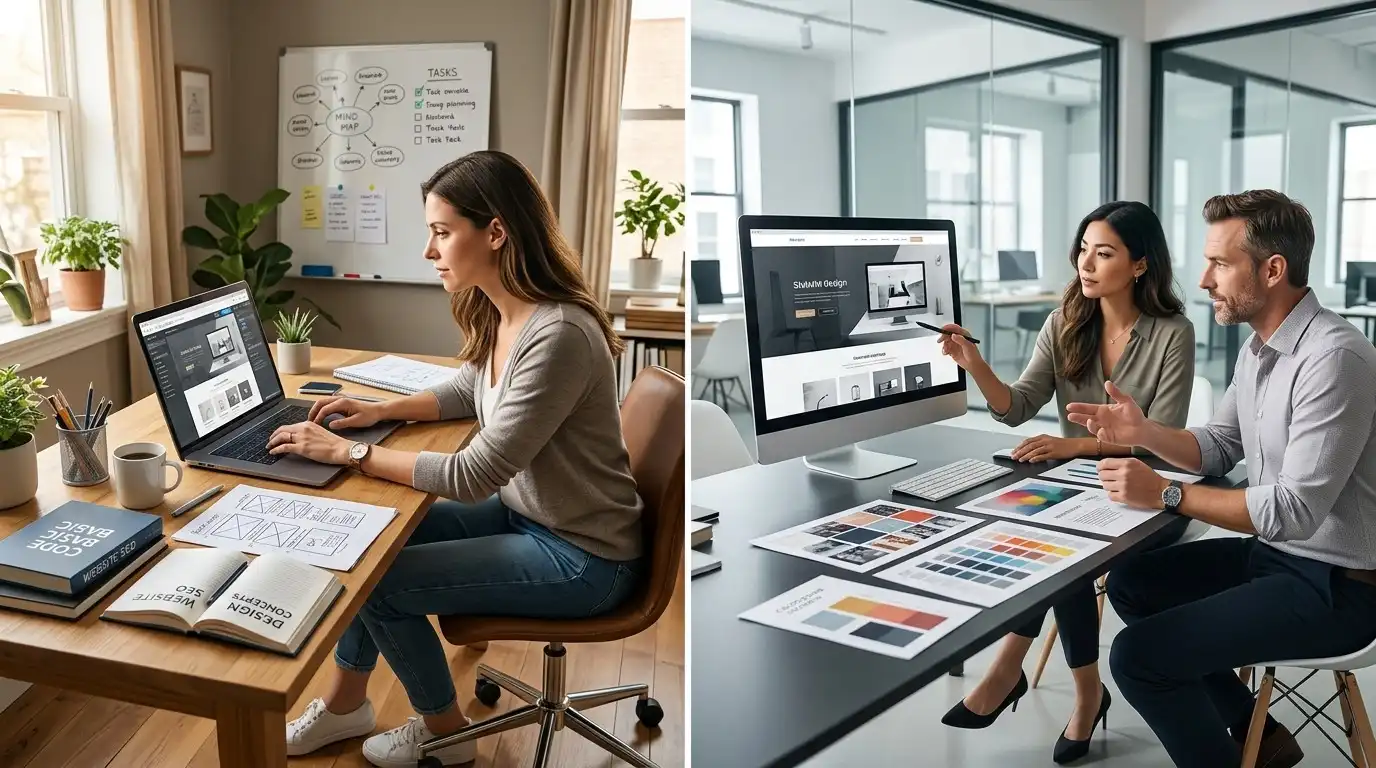
Let’s make this practical.
| Factor | DIY Website | Hire a Web Designer |
|---|---|---|
| Upfront cost | Usually lower | Usually higher |
| Time required from you | Higher | Lower |
| Learning required | Higher | Lower |
| Design experience | Depends on you | Professional |
| Technical responsibility | Mostly yours | Can be handled for you |
| Customization | Depends on platform | Usually greater |
| Speed of completion | Depends on your schedule | Often faster |
| Maintenance | Usually yours | Can be outsourced |
| Control | Very high | High, depending on agreement |
| Quality | Depends heavily on your skills | Depends on the designer |
| SEO knowledge | You need to learn it | Can be included |
| Content | Usually yours | May be included |
| Long-term support | Usually self-managed | Can be available |
The important word in that table is:
Depends.
A DIY website can be excellent.
A professionally designed website can be terrible.
The person doing the work matters.
The Biggest Advantage of DIY: Control
When you build your own website, you control everything.
You can:
- Change the headline at midnight
- Add a new service
- Change a photo
- Create a page
- Update your hours
- Change your colors
- Add a promotion
You don’t need to wait for anyone.
For some business owners, that flexibility is extremely valuable.
The Biggest Advantage of Hiring: Time

When you hire someone, you are buying back your time.
Instead of spending Saturday learning how a page builder works, you can spend Saturday doing something directly related to your business.
That may be worth far more than the cost of the website.
This is why comparing a $500 DIY website with a $2,000 professional website purely on price can be misleading.
The real question is:
What does each option cost you in money AND time?
Calculate Your Real DIY Cost
Here’s a simple exercise.
Write down:
Expected hours × your effective hourly value = time cost
For example, if you estimate:
30 hours × $75 = $2,250
your DIY project has a time value of $2,250.
Add software, hosting, premium templates, plugins, images, and other expenses.
Now compare that with a professional quote.
The result may surprise you.
Of course, your time isn’t always worth exactly what you could bill a client for an hour.
The point is simply to recognize that time has economic value.
Don’t Forget the Opportunity Cost
Here’s another way to think about it.
Suppose you spend 40 hours building your website.
What could you have done during those 40 hours?
Maybe you could have:
- Closed two new customers
- Followed up with ten leads
- Improved your Google Business Profile
- Created a referral relationship
- Improved your service
- Worked billable hours
- Taken time off and avoided burning yourself out
That is the opportunity cost of DIY.
When DIY Can Actually Be Better
There are cases where DIY isn’t merely cheaper.
It can be better.
For example, if you’re constantly changing your business and want complete control, learning the platform yourself can be valuable.
You become capable of:
- Adding pages
- Updating content
- Publishing articles
- Changing offers
- Editing images
- Making basic improvements
You aren’t dependent on someone else for every tiny change.
That’s a real advantage.
When Hiring a Designer Is Usually Better
Hiring becomes more attractive when your website has a direct relationship with revenue.
For example:
Website → Lead → Customer → $5,000 project
In that situation, a website isn’t just an online business card.
It’s part of your sales system.
Spending more to make that system effective can make financial sense.
Your Website May Be More Important Than You Think
Consider a local service business.
A potential customer searches for a service.
They find your business.
They click your website.
Within seconds, they are deciding:
“Does this business look legitimate?”
“Do they actually provide the service I need?”
“Do they work in my area?”
“Can I trust them?”
“How do I contact them?”
Your website is participating in that decision.
That’s why quality matters.
DIY Doesn’t Mean Cheap-Looking
This is important.
You can build a DIY website that looks professional.
The secret isn’t necessarily expensive software.
It’s often:
- Good typography
- Consistent spacing
- Strong photography
- Clear navigation
- Simple layouts
- Good writing
- Consistent branding
- Mobile optimization
- Restraint
You don’t need 17 animations to look professional.
In fact, fewer things often produce a better result.
One of the Biggest DIY Mistakes: Too Much Stuff

When people discover a website builder, they start adding things.
Slider.
Animation.
Popup.
Countdown.
Testimonials.
Three icon rows.
Animated counters.
Video background.
Five buttons.
Another popup.
Then another section.
Eventually the homepage looks like a digital garage sale.
More elements do not automatically make a website better.
Every section should have a job.
Another DIY Mistake: Designing Before Writing
Many people start by choosing colors and layouts.
Then they try to squeeze their content into the design.
That’s backwards.
Start with:
What does the customer need to know?
Then organize the information.
Then design the page around it.
This is one of the biggest differences between randomly assembling a website and deliberately designing one.
Your Homepage Doesn’t Need to Say Everything
Another common DIY mistake is trying to put the entire company onto the homepage.
You don’t need:
- Every service
- Every employee
- Every testimonial
- Every FAQ
- Every company achievement
- Your entire history
The homepage’s job is to orient the visitor and guide them toward the next useful step.
Your other pages can do the heavy lifting.
The DIY Trap: Endless Tweaking
This is where some DIY projects become dangerous.
You launch the website.
Then you think:
“Maybe the button should be blue.”
Then:
“Maybe the font should be different.”
Then:
“Maybe the homepage needs another section.”
Then:
“Maybe I should change the whole header.”
Three months later, you’re still working on the website.
At some point:
Good enough and published beats perfect and unfinished.
A Professional Website Can Still Require Your Input
Don’t assume hiring a designer means you disappear completely.
You’ll still need to provide things such as:
- Business information
- Services
- Photos
- Branding
- Testimonials
- Contact details
- Pricing information where appropriate
- Business goals
- Feedback
The designer handles the website work.
You provide the knowledge about your business.
The best result usually comes from combining both.
What About AI Website Builders?

AI has changed the equation.
You can now describe a business and generate a website remarkably quickly.
That’s useful.
But generating pages isn’t the same thing as deciding:
- What customers need to know
- What makes the business different
- Which services deserve their own pages
- What information builds trust
- Which calls to action matter
- How the website should support the business
- What content is actually useful
AI can accelerate production.
It doesn’t eliminate the need for judgment.
AI Can Make DIY Faster
If you’re comfortable using AI, it can help with:
- Drafting page copy
- Brainstorming headlines
- Creating content outlines
- Generating image concepts
- Explaining technical problems
- Creating FAQs
- Organizing website content
That can significantly reduce the time required to build a website yourself.
But you still need to review everything.
A website filled with generic AI-written sentences isn’t automatically a good website.
Don’t Confuse “Professional-Looking” With “Effective”
This is another trap.
A website can look spectacular and still fail.
Imagine:
Beautiful animations.
Perfect typography.
Amazing photography.
And nowhere does it clearly explain:
What you sell.
Or:
How customers contact you.
Or:
Where you operate.
That’s a design project, not necessarily a good business website.
Ask What the Website Needs to Accomplish
Before deciding between DIY and professional help, answer these questions.
What is the primary goal?
Is it to:
- Generate phone calls?
- Generate quote requests?
- Get appointments?
- Sell products?
- Establish credibility?
- Provide information?
- Generate organic search traffic?
Who is the customer?
What do they need to know?
What action should they take?
How important is the website to revenue?
These answers make the decision much easier.
A Simple Decision Framework
Build it yourself if:
You have:
Low budget + plenty of time + simple requirements + willingness to learn
That’s a strong DIY situation.
Hire a designer if:
You have:
Limited time + important website + higher requirements + need for professional execution
That’s a strong professional situation.
Consider a hybrid approach if:
You have:
Some technical ability + limited budget + willingness to handle certain tasks
For example:
You could handle:
- Business information
- Basic content
- Photos
- Blog posts
- Simple updates
while a designer handles:
- Overall structure
- Design
- Mobile layouts
- Technical configuration
- Conversion strategy
- Launch
This can be a very practical middle ground.
The Hybrid Option Deserves More Attention

You don’t have to choose:
100% DIY
or
100% outsourced.
For example, a business owner might build and maintain the website using WordPress while hiring a designer to create the initial design.
Or they might hire someone to build the website and then manage their own content afterward.
Or they might hire a designer for the website and an SEO professional separately.
The right division of work depends on your skills and budget.
What You Should Never Outsource Completely
Even if you hire a designer, you should understand the basics of your own website.
At minimum, know:
- Where the website is hosted
- Who owns the domain
- How you access WordPress
- Who has administrator access
- Where backups are stored
- What happens if you stop working with the designer
- How to update basic business information
You don’t want your entire online presence locked inside someone else’s account.
Make Sure You Own Your Website

Before hiring anyone, ask:
“Will I own the website, domain, hosting account, content, and design assets after the project is completed?”
The exact contract terms vary, but you should understand what you’re paying for and what you own or have rights to use.
This is especially important for small businesses.
Your website is a business asset.
Treat it that way.
Be Careful With Cheap Website Offers
A very low price can be attractive.
But ask what’s actually included.
For example:
- How many pages?
- Who writes the content?
- Who supplies images?
- Is mobile optimization included?
- Are forms included?
- Is SEO setup included?
- Is hosting included?
- Who maintains it?
- Are revisions included?
- Do you own the website?
- What happens after launch?
A $299 website and a $2,999 website may be completely different products.
Price alone doesn’t tell you much.
Don’t Pay for Things You Don’t Need
The opposite is also true.
You don’t necessarily need:
- Dozens of pages
- Complex animations
- Custom software
- A massive website
- Expensive photography
- Every marketing integration imaginable
A five-page website can be extremely effective for the right business.
The goal is not to build the biggest website.
It’s to build the right one.
What Should a Small Business Actually Spend?
There is no universal correct number.
Your website budget should be related to:
- Business size
- Revenue
- Website importance
- Complexity
- Competition
- Required functionality
- Content requirements
- Marketing strategy
- Future plans
A simple local business website and a national e-commerce operation shouldn’t have the same budget.
Don’t spend $10,000 because someone says that’s the “professional” price.
And don’t spend $100 because someone says websites are “easy.”
Understand what you’re actually buying.
If You Build It Yourself, Set a Deadline
This is my strongest DIY recommendation.
Don’t say:
“I’ll build it when I have time.”
That can mean never.
Instead:
“The website will launch on Saturday, October 10.”
Then work backward.
Week 1
Choose platform and structure.
Week 2
Write content.
Week 3
Build pages.
Week 4
Test mobile, forms, links, speed and basic SEO.
Launch
Publish.
You can improve it afterward.
A live website can evolve.
Your First Website Doesn’t Have to Be Your Final Website
This is especially important for new businesses.
You don’t need to predict everything.
You can launch a simple website and learn from customers.
Then add:
- New service pages
- FAQs
- Case studies
- Reviews
- Articles
- Better photos
- New landing pages
Your website can grow with your business.
The Right Question Isn’t “DIY or Designer?”
The better question is:
“Which approach gives my business the best result for the resources I have?”
If you have $300 and 30 free hours, DIY may be the obvious answer.
If you have $2,000 available but almost no free time, hiring may make more sense.
If your website directly generates thousands of dollars in business every month, investing in professional help can make even more sense.
There isn’t a universal answer.
Final Decision Checklist
Before deciding, ask yourself:
Budget
- How much can I realistically spend?
- What is my time worth?
- What other expenses will the website require?
Time
- Do I actually have time to build it?
- Can I commit to finishing it?
- Will I have time to maintain it?
Skills
- Am I comfortable learning website software?
- Can I create decent layouts?
- Can I troubleshoot basic problems?
- Can I write useful content?
Business
- How important is the website to generating customers?
- Is the business growing?
- Do I need specialized functionality?
- Will the website need to support SEO?
Personal preference
- Do I actually want to build the website?
- Would I rather spend the time elsewhere?
- Do I enjoy managing technical systems?
Your answers should make the decision much clearer.
Final Thought

Building your own website is not a bad idea.
Hiring a web designer isn’t automatically the right idea either.
The mistake is choosing based only on the sticker price.
A DIY website may cost less money but consume a huge amount of your time.
A professional website may cost more money but save weeks of work and give you a better foundation.
And sometimes the best choice is somewhere in the middle.
If you’re comfortable with technology, have a simple business, and have the time to learn, build it yourself.
If your website is an important part of your sales process and your time is better spent running the business, hire someone.
If you have some skills but don’t want to handle everything, split the work.
Most importantly, remember this:
You aren’t really deciding whether to build a website.
You’re deciding how to spend your limited:
money, time, attention, and expertise.
That’s the decision that matters.
Frequently Asked Questions
Is it cheaper to build my own business website?
Usually, the direct financial cost can be lower, but you should also consider the value of your time, software, hosting, premium tools, images, and maintenance.
Can I build a professional website myself?
Yes. Modern website platforms make it possible for non-programmers to create professional-looking websites. The challenge is creating a website that is also well-structured, useful, fast, mobile-friendly, and effective at generating customers.
Do small businesses need a professional web designer?
Not always. A simple business may be perfectly capable of creating its own website. Hiring a designer becomes more valuable when the website is important to revenue, requires specialized functionality, or the owner doesn’t have time to build and maintain it.
How long does it take to build a website yourself?
It depends on your experience and the size of the website. A simple website can potentially be created quickly, but learning the platform, preparing content, selecting images, testing the site, and troubleshooting problems can add significant time.
Is WordPress difficult for beginners?
WordPress can be learned by beginners, but there is a difference between learning how to publish a page and understanding how to properly manage a complete business website.
Can AI build my business website?
AI can help generate website layouts, content, images, and code, and some platforms can create an initial website automatically. However, you still need to make decisions about your business, customers, content, structure, branding, and functionality.
Should I hire a designer or use an AI website builder?
It depends on your needs. An AI builder may be suitable for a simple website and a limited budget. A designer can provide more hands-on strategy, customization, implementation, and experience.
What if I don’t have much money for a website?
Consider building a simple website yourself and improving it over time. A basic, useful website is generally better than delaying your online presence indefinitely while trying to create something perfect.
Should I build my own website if I have no technical experience?
You can, but expect a learning curve. If your time is limited or the website is important to generating business, hiring a professional may be more efficient.
What should I ask a web designer before hiring them?
Ask about their portfolio, process, timeline, revisions, ownership, hosting, maintenance, content, SEO responsibilities, and what happens after the project is completed.
Who should own my business website?
You should understand who owns or controls the domain, hosting account, website, content, and other important assets. Make sure you have appropriate access to the systems your business depends on.
Can I hire a web designer to build the website and maintain it myself?
Yes. Many businesses use a professional for the initial design and setup and then manage basic content updates themselves.
Is a five-page website enough for a small business?
It can be. The number of pages should depend on what customers need to know and what the business needs to accomplish, rather than an arbitrary page count.
What’s the biggest mistake when building a DIY website?
One common mistake is spending too much time on visual details while neglecting content, navigation, mobile usability, calls to action, and the actual needs of customers.
Should I build my website before starting my business?
It can be useful to have at least a basic website ready when you begin marketing the business. However, the website doesn’t need to be enormous or perfect from day one.